  1. Tags/

Computer-Vision

How MediaPipe sees a hand — and exactly where it fails

Twenty-one points, thirty frames a second, on a CPU, from a flat RGB image with no depth information. This is how that is possible — and the four failure modes you will meet the first time you rely on it. Every vision-driven robotics project has a moment where the camera stops being a camera and starts being a sensor. For this one, that moment is MediaPipe Hands: a webcam frame goes in, and 21 numbered points in space come out. It is easy to treat that as a black box. It is also a mistake, because the box has a specific shape, and its failure modes follow directly from how it was built. It is two networks, not one # The single most useful thing to know about MediaPipe Hands is that it is a cascade: a detector and a regressor, with completely different jobs. flowchart TB A["📷 Full frame e.g. 640 × 480"] --> B["Stage 1 — BlazePalm SSD detector"] B --> C["Oriented palm crop 256 × 256"] C --> D["Stage 2 — Landmark regressor MobileNetV2-style encoder"] D --> E["63 floats 21 landmarks × (x, y, z)"] D --> F["Presence score"] D --> G["Handedness left / right"] F -->|"confidence ≥ 0.5"| C F -->|"confidence < 0.5"| B The regressor’s output, drawn back onto the frame: 21 points and the connections between them. Stage 1 — BlazePalm detects palms, never fingers # This is the design decision the whole system rests on.

A webcam, some vector geometry, and a hand that moves

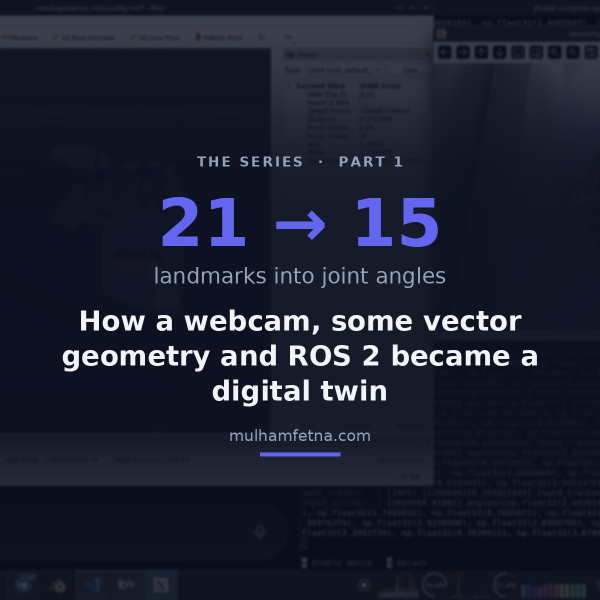
Everything in this series in one read: how a $20 webcam ends up driving a 15-DOF CAD model in real time, why every step is deliberately explicit rather than learned, and what broke along the way. You hold your hand up to a laptop camera. On the other half of the screen, a robotic hand — designed in CAD, never manufactured — closes its fingers at the same moment yours do. There is no glove, no marker, no depth sensor. Just an RGB webcam, two small neural networks, about forty lines of vector geometry, and a middleware stack that thinks it is talking to a real robot. All of it is open source under AGPL-3.0 and archived with a DOI: 10.5281/zenodo.22658556. flowchart LR A["📷 Webcam /dev/video0"] --> B["BlazePalm palm detector"] B --> C["Landmark regressor 21 × (x, y, z)"] C --> D["Dot-product geometry 15 interior angles"] D --> E["Normalize → flexion 0.0 straight · 1.0 curled"] E --> F["Lerp onto the URDF's mechanical limits"] F --> G["/joint_states"] G --> H["robot_state_publisher → /tf"] H --> I["🖥️ RViz digital twin"] The rule that shaped the build # There is an easier version of this project. Collect a few thousand frames of a hand next to the corresponding CAD poses, train a network to map one to the other, and let gradient descent work out the relationship.