
What you need #
| Requirement | Check with | Notes |
|---|---|---|
| Linux desktop, X11 or XWayland | echo $DISPLAY → :0 |
Wayland sessions work through XWayland |
| Docker Engine + Compose v2 | docker compose version |
Built with Docker 29.8 / Compose 5.5 |
| A webcam | ls /dev/video0 |
Close any other app using it |
| GPU device nodes | ls /dev/dri |
Intel/AMD out of the box; NVIDIA needs the container toolkit (Part 18) |
| ~5 GB of disk | images: vision 2.9 GB, twin 1.7 GB |
No ROS installation is needed on the host — ROS 2 Jazzy lives inside the containers.
Four ways to run it #
git clone https://github.com/mulhamfetna/ros2-tendon-driven-hand-mujoco-digital-twin-vision-teleoperation.git
cd ros2-tendon-driven-hand-mujoco-digital-twin-vision-teleoperation

./setup_host.sh              # X11 access for the containers + camera/GPU checks (once per login)
docker compose up --build    # builds both images, starts vision_tracker and mujoco_twin
Stop with Ctrl+C, then docker compose down to release the camera.
No Docker, no ROS — the reference implementation in one process. Python 3.10 is the tested version.
python3.10 -m venv venv
source venv/bin/activate
pip install "mediapipe==0.10.11" "mujoco==3.13.0" opencv-python numpy
python standalone/main.py        # ESC in the camera window quits
If your shell sources ROS 2 (/opt/ros/*/setup.bash), its PYTHONPATH can shadow the venv — run
env -u PYTHONPATH venv/bin/python standalone/main.py instead.
Develop the simulation side without a webcam by publishing flexions by hand:
docker compose up mujoco_twin
# in a second terminal:
docker compose exec mujoco_twin bash -c 'source /opt/ros/jazzy/setup.bash && \
  ros2 topic pub -r 10 /hand/target_flexions sensor_msgs/msg/JointState \
  "{name: [thumb, index, middle, ring, pinky], position: [0.0, 1.0, 0.0, 0.0, 0.0]}"'
Only the index finger curls.
Explore the model interactively — no ROS, no camera:
env -u PYTHONPATH venv/bin/python -m mujoco.viewer --mjcf=mujoco_twin/model/scene.xmlOpen the Control panel and drag a pull_* slider. Notice how little force it takes to close a
finger completely — Part 11 explains why.
What success looks like #
With the full stack, in order:
setup_host.shprints[Camera] /dev/video0 found.and[GPU] /dev/dri found.- The build ends with
Image …-vision_tracker BuiltandImage …-mujoco_twin Built(about five minutes the first time; seconds afterwards). - Two windows open: “MediaPipe Hand Tracker” and the MuJoCo viewer.
- The log prints
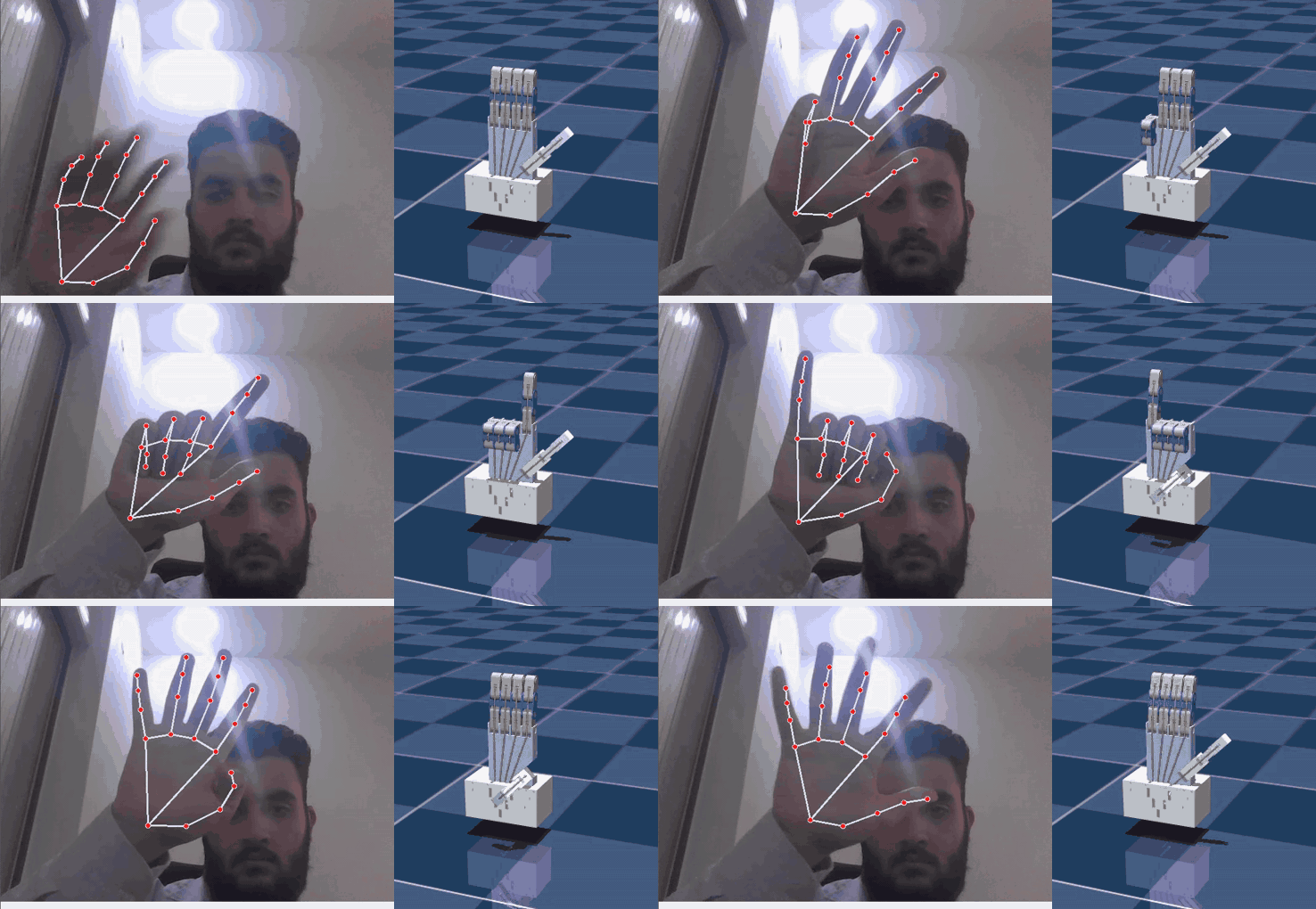
MuJoCo twin listening on /hand/target_flexions. - Make a fist — the twin closes. Open your hand — it opens.
$ docker compose up --build
 Container mujoco_twin Started
 Container vision_tracker Started
mujoco_twin     | [INFO] [1789562507.994533012] [mujoco_twin_node]: MuJoCo twin listening on /hand/target_flexions
vision_tracker  | QFontDatabase: Cannot find font directory /opt/venv/lib/python3.12/site-packages/cv2/qt/fonts.
The QFontDatabase line is harmless noise from OpenCV’s bundled Qt.
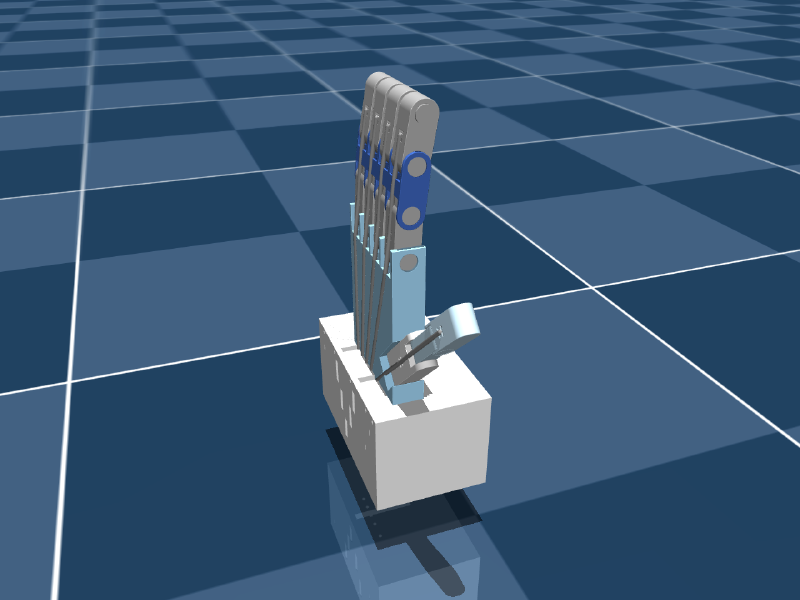
| The twin, open | The twin, fist | Camera-free: index only |
|---|---|---|
 |
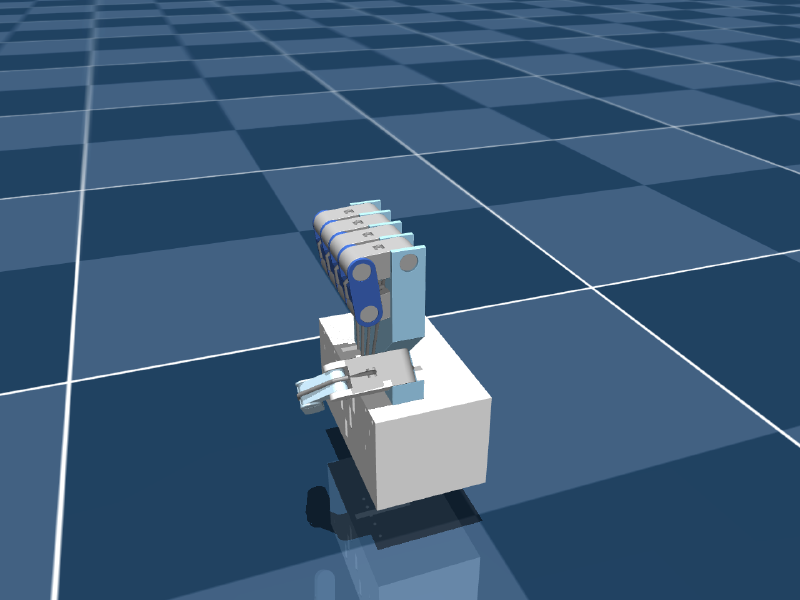 |
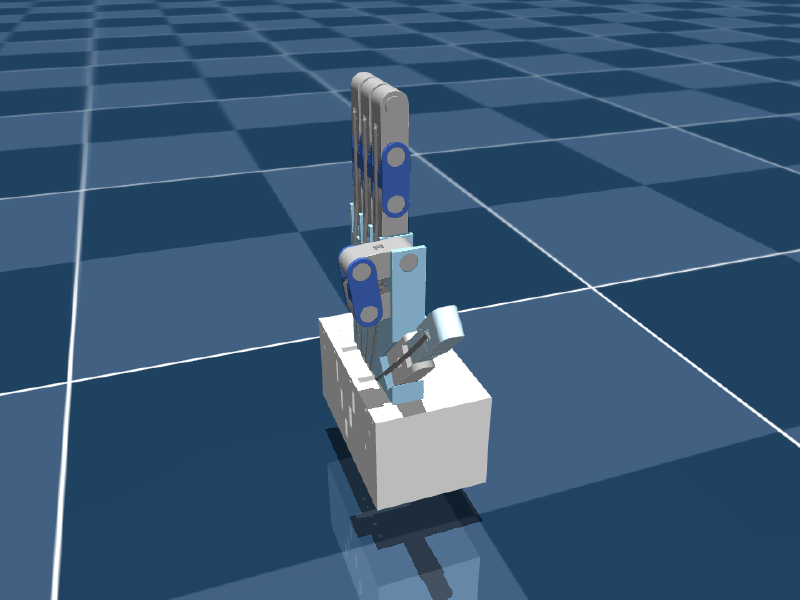 |
Edit, restart, repeat #
The repository is bind-mounted into both containers rather than copied into the images. After editing any Python file or MuJoCo XML:
docker compose restart mujoco_twin # or vision_trackerRebuild (docker compose up --build) only when a Dockerfile or a pinned dependency changes.
Part 16
explains the layout.
Where to go next #
- The whole system on one page → Part 2: Architecture
- Make it track your hand well → Part 9: Calibration
- Full-resolution demo video → project page